Rapha · · 5 min read
YouTube Blacklist Words List: Comment Filter Setup
Build a YouTube blacklist words list with our copyable starter packs. Learn matching rules and discover what filters hide during comment research.
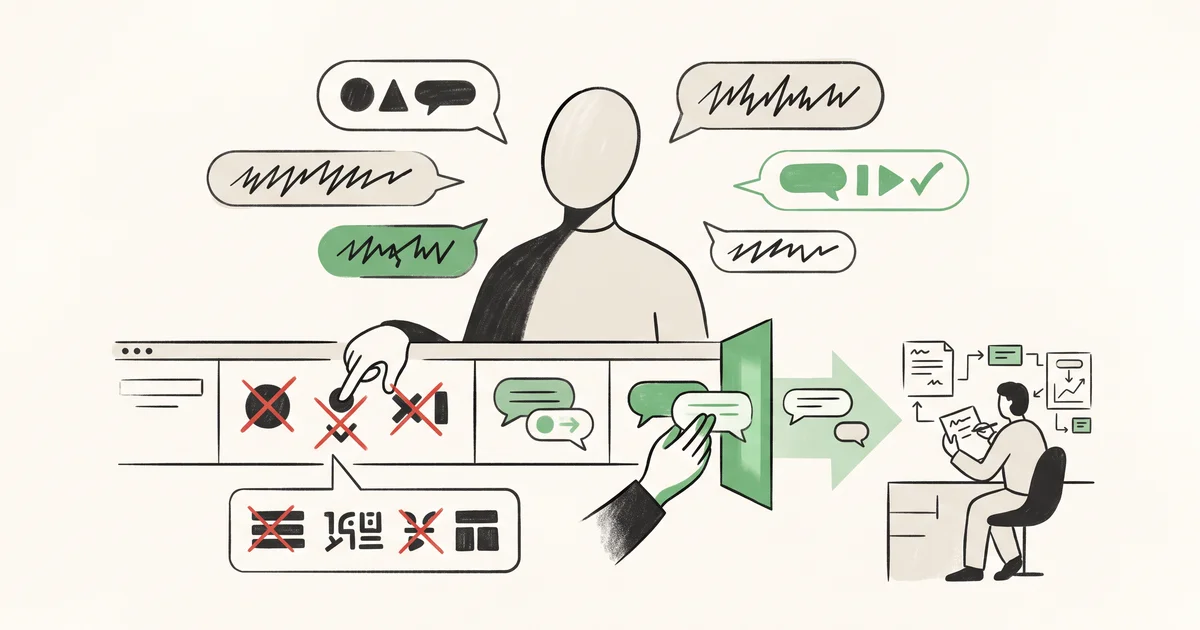
A YouTube blacklist words list is your first line of defense against comment spam. By entering targeted phrases in YouTube Studio, you can instantly hold suspicious comments, live chat, and Community posts for review, without wiping out legitimate feedback or skewing your perception of what your audience actually says. Here’s how it works, what to add, and why it matters if you care about comment research, not just cleanup.
How YouTube’s Blocked Words Filter Actually Works
YouTube Studio gives you a filter for blocked words that checks comments, live chat, and Community posts channel-wide. This filter is case-insensitive and works on substrings: ban “cat” and it will grab “cat”, “catalog”, or “educate”. Every match sends that message straight to your Held for review queue, not to viewers.
- Case-insensitive: The filter doesn’t care about uppercase or lowercase. Add “telegram” once, it’ll stop “Telegram” and “TELEGRAM” too.
- Substring-based: A filter for
subwill trigger on "subscribe" or "submarine" as well as "sub4sub". Blocking too broadly will catch bystanders. - Channel-wide application: One list covers comments on all uploads, live chat, and Community posts. YouTube’s moderation settings guide confirms this applies in Studio on desktop and via the mobile app.
Exact false-positive rates aren’t published. Performance and the character limit (up to 50,000, per third-party CommentShark’s guide) aren’t shown in YouTube’s docs, but Studio warns you if you hit its entry field max.
How to Add Blocked Words in YouTube Studio
On Desktop
- Log in and open YouTube Studio
- Go to Settings (left menu)
- Click Community, then Automated Filters
- Scroll to Blocked words
- Paste your comma-separated keywords or phrases
- Click Save
On Mobile (Studio App)
- Open the YouTube Studio app
- Tap your profile picture, go to Settings
- Under Community, tap Content controls
- Tap Blocked words to add phrases
- Turn on or off the Link text toggle to hold URLs and hashtags
YouTube’s help page on managing moderation settings has step-by-step visuals if you need more detail.
Blocked Words List for YouTube: Copy-and-Paste Starters
Ready to paste? These comma-separated lists target the spam you’ll see most often.
Sub4Sub and Self-Promotion
Sub-for-sub spam clogs threads with fake engagement. Avoid single-word filters like sub. Instead, use multi-word phrases based on the TuberTools starter list:
sub4sub, sub for sub, sub to me, sub back, subscribe to my channel, check out my channel, check my channel, support each other, grow together, want to be youtube friends, hug for hug, sub me, sub anyone, please subscribe, follow my channel
Impersonation and Messaging Scams
Scammers often ask viewers to contact them off-platform:
whatsapp me, text me on whatsapp, message me on telegram, contact via telegram, contact on telegram, kindly reach me on, winning prize, claim your prize, text the manager, financial advisor via, contact my assistant, reach me at +, text my private
Crypto, Forex, and Money-Bot Spam
For classic investment scams:
passive profit, guaranteed returns, trading signals, investment platform, payout received, binary options, forex trading, mining returns, recovered my crypto, send a dm to invest, earned $10, profit daily
Link Abuse: Plaintext and Workarounds
YouTube can already hold raw URLs, but these terms cover disguised links:
bit.ly, tinyurl.com, goo.gl, t.me/, wa.me/, [dot] com, .com/, dot com, link in bio, check the link
These sample packs are a starting point; CommentShark’s generator offers more by spam category.
Common Traps: Over-Blocking and Passive Moderation
Many creators block keywords too broadly or set a filter and never check their review queue. Here’s what to avoid:
- The substring trap: Blocking
subwill catch “subwoofer” and “subtle” alongside “sub4sub”. Always favor longer phrases. For example, “sub to me” or “sub4sub” will filter actual spam, not honest feedback. - Neglecting the review queue: Comments held for review are invisible to viewers, and deleted after 60 days if ignored. If legitimate comments seem to vanish, check your queue and diagnose further with this guide on why YouTube comments go missing.
Channel Example: How a Block List Changes What You See
Consider a sample channel, AudioCraft Lab (invented):
- No filter: A spam comment reads, "Sub4sub? Check out my channel!" and a real viewer asks, "Will this fit under my desk subwoofer?" Both show up.
- Blocked word
sub: Both comments get held. Now even helpful feedback is invisible until reviewed. - Refined filter, phrases only: Block
sub4sub, check out my channel. Spam lands in review, while genuine questions stay public.
When You’re Researching a Competitor’s Comments
YouTube only lets you block words for your own uploads, viewers can’t filter their own feeds. When you use research tools to export or search a channel’s comments, you’re only seeing what the channel’s filters allow through. For accurate research:
- Zero mentions of a known bug or competitor? The channel might be filtering those words out.
- Want to find sensitive feedback that isn’t visible? Cross-check keywords with video transcripts.
- For manual research, try Channel X-Ray’s free Comment Downloader to pull up to 100 of the latest public comments as CSV or JSON for any video. If a keyword returns no hits in the Comment Search tool, the filter, not just lack of feedback, could be the reason. For a step-by-step reply workflow using published comments, see Channel X-Ray’s triage method.
You can’t read what’s held or deleted by a competitor, but knowing the filter exists means you avoid false confidence based on a too-clean comment section.
For long-term health, keep your blocked words specific and update the list as new spam trends appear. A careful setup keeps your feedback clean without cutting off useful signals from your audience. For missing or hidden comments, and how to troubleshoot further, check the companion guide YouTube Comments Not Showing.
See what your audience really says:
- Download public comments as CSV/JSON
- Search for specific phrases in visible comments
- Diagnose vanished or held comments
- Reply to public questions efficiently
Related guides
- View YouTube Comments: Your History and Any Video
Learn how to view YouTube comments in your personal history, browse public video sections, and search loaded threads using simple native and free tools. · 4 min read
- YouTube Shorts Comments: Mechanics and Audience Research
Understand how YouTube Shorts comments work, how sorting differs from long-form videos, and how to export and classify comments for audience research. · 5 min read
- YouTube Comments Not Showing: Why & How to See Them
YouTube comments not showing? Diagnose why comments vanish, check viewer and creator fixes, and learn how to inspect hidden feedback with free tools. · 5 min read